
Hands-free capture
Automatic swing detection
On-device body-pose detection recognizes address, the swing, and the end of your follow-through. You keep hitting while SwingLoop handles each clip.
Golf swing replay app for iPhone & iPad
SwingLoop turns two iPhones or iPads into a hands-free golf swing camera and replay monitor. Hit the ball, look up, and watch the swing back in slow motion — without touching the filming device between shots.
Why two devices?
A useful swing angle depends on a camera that does not move. A useful practice rhythm depends on feedback you can see from the mat. Two screens solve both problems at once.
Learn how the two-iPhone setup worksLock in a consistent face-on or down-the-line camera angle.
Place the second screen beside the ball, mat, or range bucket.
See the swing, make one adjustment, and hit the next ball.
How it works
Set up once, then let every shot run the same loop.
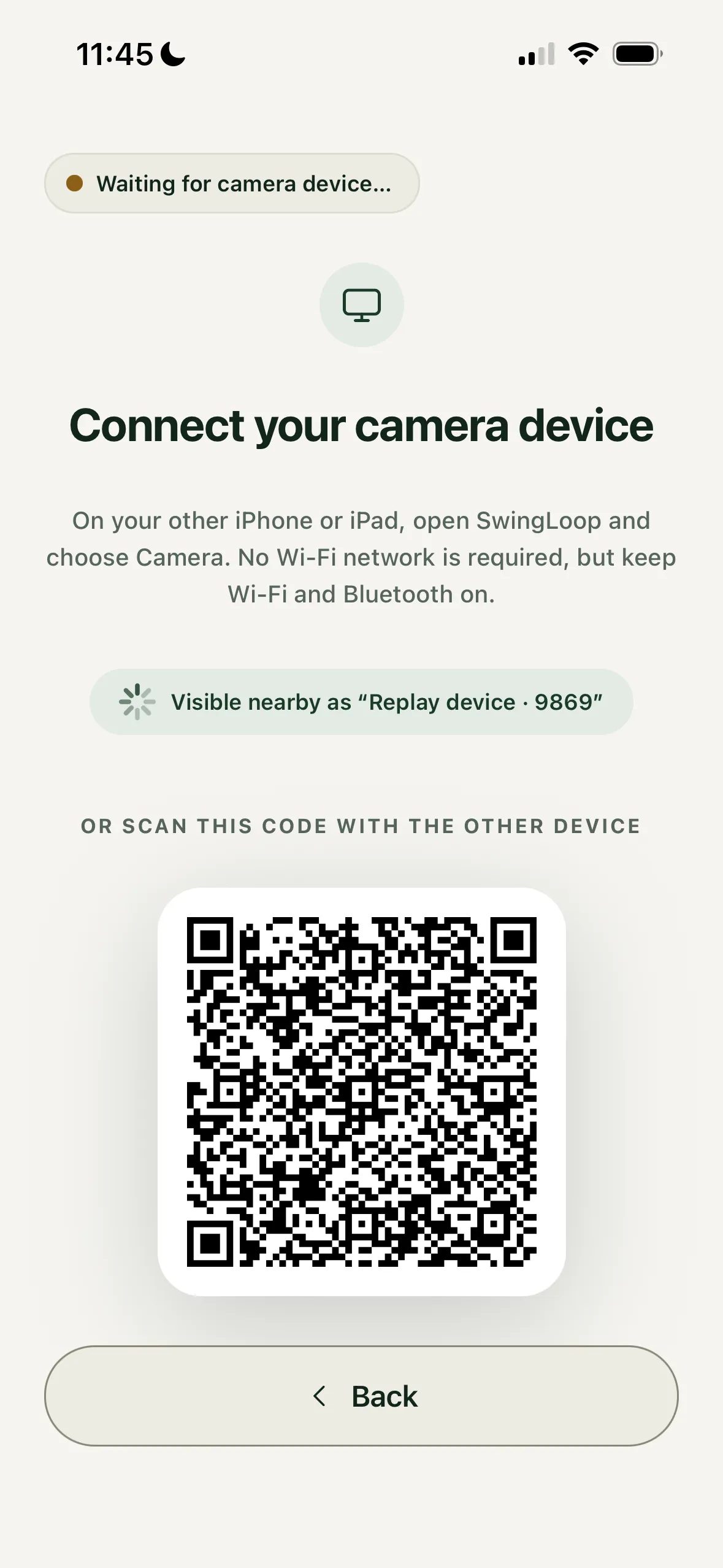
The replay device puts a code on screen. Scan it, or just tap the device in the nearby list. There is no account, cable, Wi-Fi setup, hotspot, or IP address to work through.
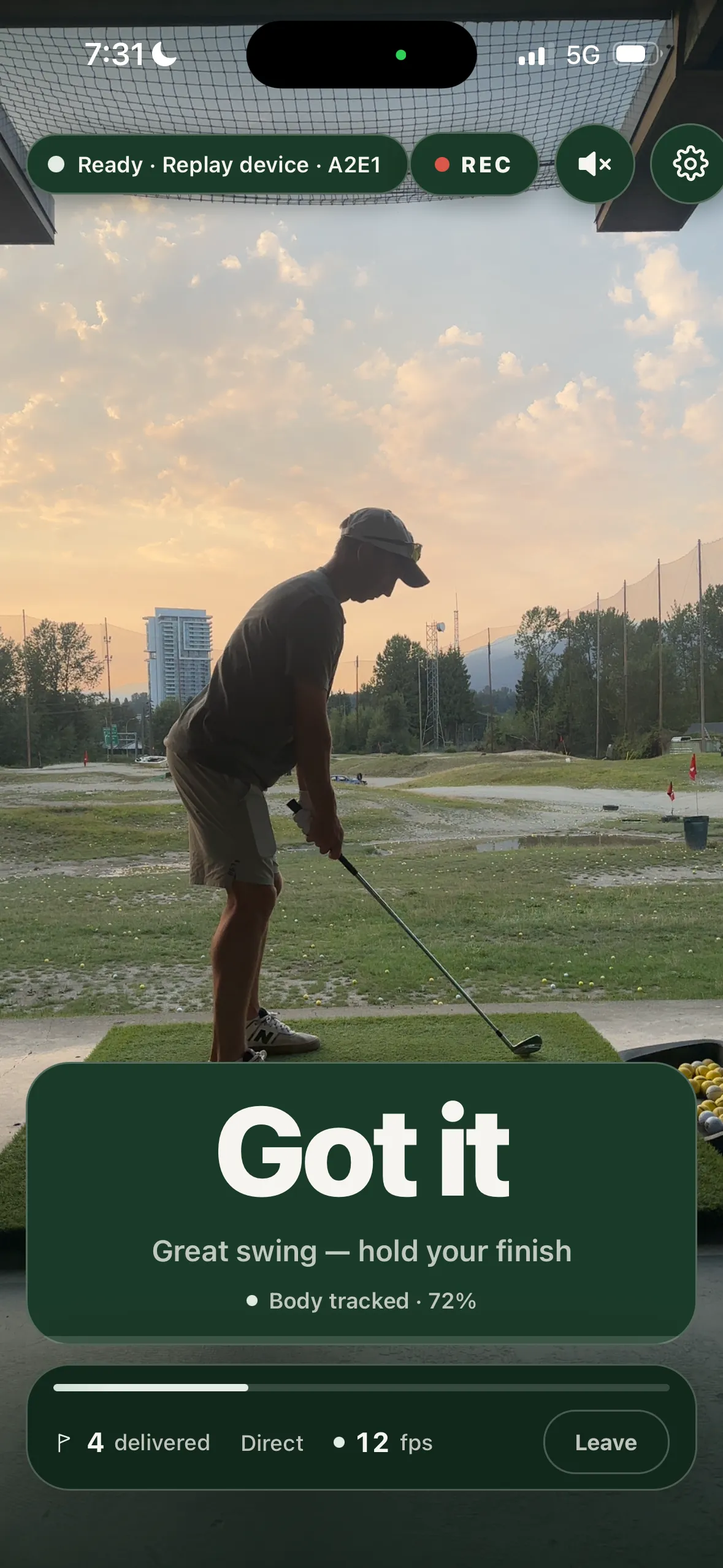
Clamp the filming device to a tripod, or prop it against your bag — anywhere it can see you from head to feet. The second one goes where your eyes already go between shots: on the mat, on the cart, against the bucket. Face-on or down-the-line, both read fine.

SwingLoop watches for the swing itself. It arms as you settle over the ball, records through impact, and cuts the clip once your follow-through has come to rest — so the whole move is in there, top to finish. Between shots there is nothing to press, nothing to start and nothing to check.
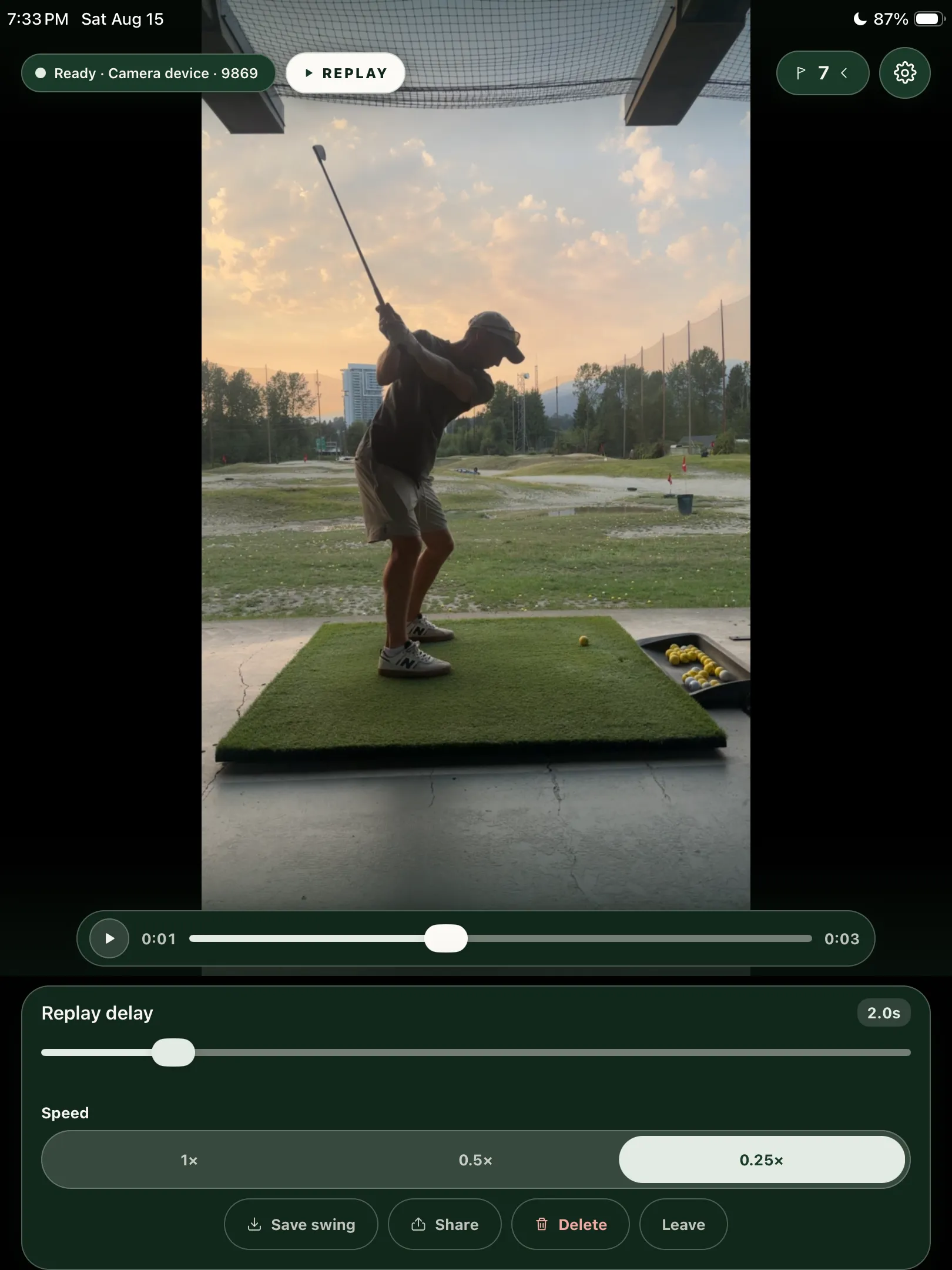
A beat after the ball is gone, your swing plays once on the other screen in slow motion. Recent swings stay ready to replay again. Set the delay anywhere from instant to fifteen seconds so it lands exactly when your eyes come up.
Features
Automatic recording gets the screen out of the way. The review tools help you turn a session into a small number of useful comparisons.
Hands-free capture
On-device body-pose detection recognizes address, the swing, and the end of your follow-through. You keep hitting while SwingLoop handles each clip.
Second screen
The filming device stays fixed. Every completed swing appears on the nearby replay device without a walk back to the camera.
Your tempo
Watch at full, half, or quarter speed. Set the replay delay from zero to fifteen seconds so the video starts when you are ready to look.
Two views
Use the view that fits the movement you are working on. Mirroring lets a left-handed swing read naturally on screen.
Keep the useful ones
Review recent swings, keep the clips that matter, add labels, compare two saved swings side by side, or export one for your coach.
Local by design
The devices connect directly and process the swing on-device. Your swing videos do not have to pass through a SwingLoop server.
New feature · Single-device replay
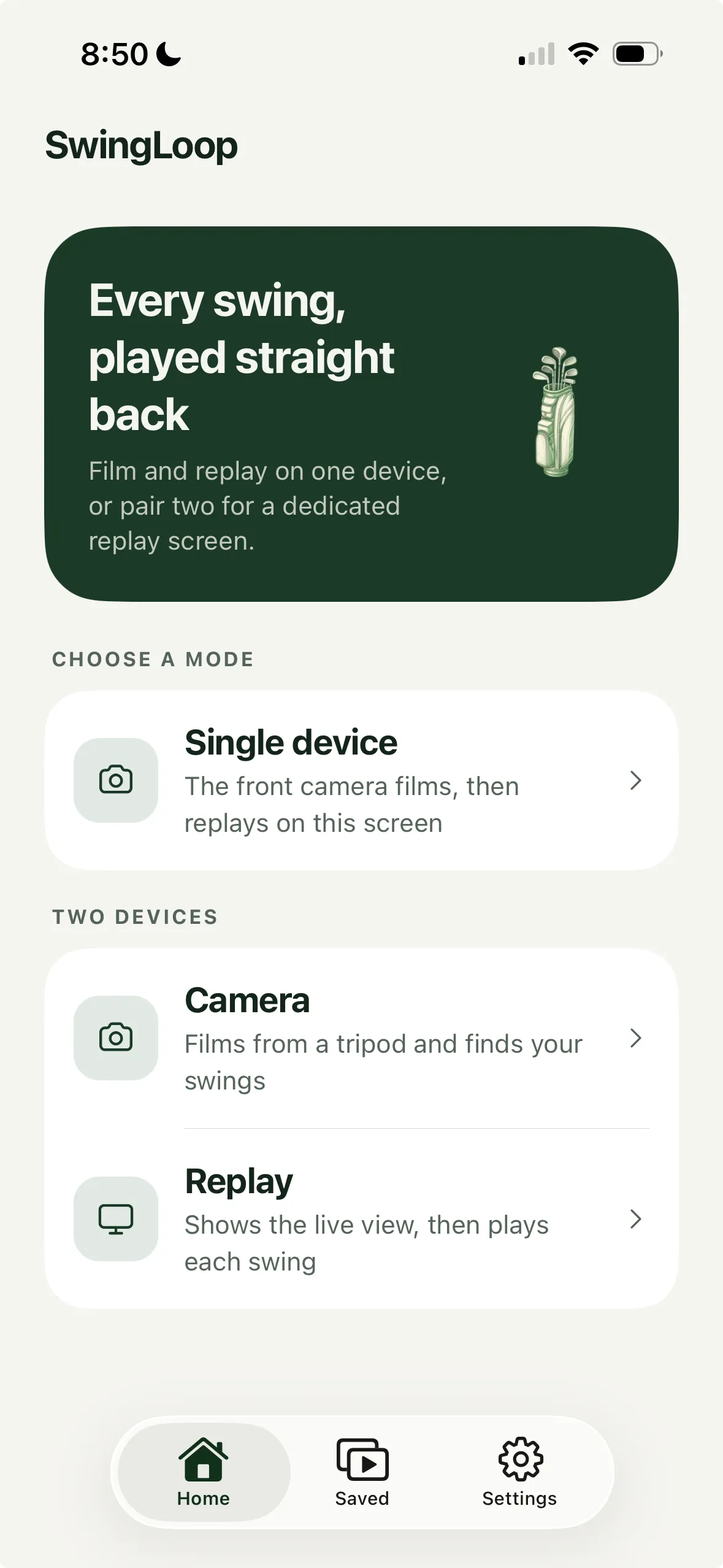
Alongside the two-device camera and replay setup, SwingLoop now includes a single-device mode. Your iPhone or iPad’s front camera films the swing, then plays it back on the same screen.
Choose Single device on the home screen and stand your device securely with the front camera facing you. SwingLoop captures your swing, shows the replay at your chosen speed and delay, then returns to the camera for your next ball.
It’s another way to practice when you have one device with you. Use the two-device setup when you want the camera fixed in position and a dedicated replay screen beside the mat.
Where to use it
SwingLoop needs a safe place to set two devices and enough room for the filming camera to see your full motion. It does not need a range network, a laptop, or a dedicated launch monitor.
Read the camera-placement guideGet visual feedback after every ball without breaking your setup, tempo, or practice block.
Put the replay screen beside the mat and turn a compact practice area into a repeatable feedback loop.
Set up replay at your home netSee the movement alongside ball-flight data instead of relying on launch numbers alone.
Save and label the swings that show the change, then share a clean clip or compare two attempts side by side.
Pricing
Choose a monthly or yearly SwingLoop subscription in the App Store. Apple shows the current price in your local currency before you buy.
Download on theApp StoreOne subscription
Devices signed in to the same Apple ID can use the same active subscription, which makes a two-device setup straightforward.
Before the range
Initial download, purchase, restore, and occasional subscription verification require internet. The swing-replay connection itself is direct between the two devices.
Questions
For the separate camera-and-replay setup, yes. The filming device stays in the correct camera position while the second device puts the replay where you can see it. Use two iPhones, two iPads, or one of each. One subscription covers compatible devices signed in to the same Apple ID. The new Single device mode also lets you film with the front camera and watch the replay on that same device.
Yes. The devices connect directly, so you do not need to join a Wi-Fi network or create a Personal Hotspot. Keep Wi-Fi and Bluetooth switched on because iOS uses both radios to discover and connect nearby devices. Initial download, purchase, restore, and occasional subscription verification still require internet access.
They shouldn’t. Detection needs the full shape of a golf swing — a settled address, real travel through the ball, and a follow-through that comes to rest. If your bay or your tempo needs it, the sensitivity and both hold times are adjustable.
Yes. Frame yourself head to feet where you can, keep the filming device fixed rather than handheld, and it behaves the same as it does outdoors.
Both. The detector reads body pose rather than raw motion, so either view works. Most people start face-on, since that is the one that is hardest to picture from the inside.
Yes. Recent swings stay available during the replay session, where you can scrub, replay, save, share, or delete a clip. Saved swings can be labelled, filtered, and compared side by side. Save anything you want to keep before ending a temporary replay session.
A tripod is ideal, but anything that keeps it still and upright works — a phone stand, a bag pocket, a ball bucket. What matters is that it does not move between shots and that it can see you from head to feet.
Not yet. Version one is iOS only, because the on-device pose detection is built on Apple’s Vision framework.
Need help pairing without a network? Read the no-Wi-Fi setup guide. Still stuck? Write to support@golfswingloop.com — a person reads it.
May we use Google Analytics cookies to understand how visitors use SwingLoop’s website? You can change your choice in the footer. Privacy Policy